Top Reading Progress Bar
Published
11 spec-native CSS animation-timeline demos — the W3C standard scroll() and view() API, the modern zero-JS replacement for GSAP ScrollTrigger, AOS, and IntersectionObserver reveal boilerplate. The gallery covers a top reading progress bar, view() fade & reveal, shrinking sticky header, sticky stacking cards (Vercel / Linear / Stripe SaaS pattern), horizontal scroll section (a pure-CSS ScrollTrigger alternative via named view-timeline), parallax image hero without background-attachment: fixed, dynamic scroll-container shadow indicators via scroll(self), split reverse-scrolling columns, text scrim / focal highlight, cover card that shrinks into a fixed sticky header, and image zoom + clip-path wipe reveal. Every animation runs on the compositor thread — zero JavaScript scroll listeners, Core Web Vitals safe, and Firefox falls back to a clean static layout via @supports. Scoped under .sda-NN for no-collision pasting, prefers-reduced-motion guarded, framework-agnostic.
Related20 CSS Scroll Animations18 CSS Scroll Progress Bar22 CSS Parallax Effects16 CSS Fade In Animation Designs

Published

Published

Published

Published

Published

Published

Published

Published

Published

Published

Published
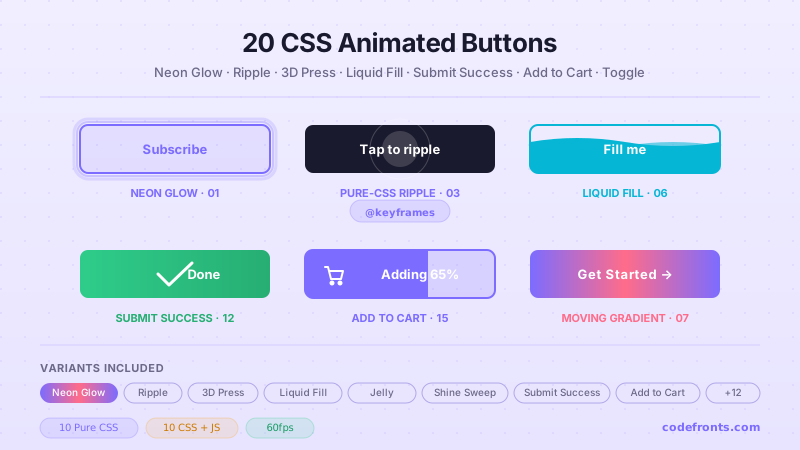
animation-timeline: scroll() ties an animation to the nearest scrollable ancestor's scrollbar, and animation-timeline: view() ties an animation to when the element itself enters and leaves the scrollport. Both run on the browser's compositor thread — outside the main-thread JavaScript loop that onscroll handlers hijack — so they stay smooth at 120fps on mobile and don't spike your Interaction to Next Paint (INP) score. The 11 demos in this collection cover every canonical pattern: a top reading progress bar, per-element fade & reveal on scroll, shrinking sticky headers, stacking cards, horizontal scroll sections, pure-CSS parallax hero, dynamic container-scroll shadow indicators, split reverse-scroll columns, text scrim / focal highlight, cover-card-to-sticky-header transitions, and image zoom + clip-path wipe reveals. Every recipe is copy-paste — you drop the HTML + CSS into any project, no library, no build step, no JavaScript scroll listener.animation-timeline: view() from this collection — zero JavaScript, zero library weight, hardware-composited, and Firefox falls back to the static end-state via @supports. For the same pattern on older browsers or when you need element-in-view booleans (analytics tracking, lazy loading, video autoplay): stick with IntersectionObserver — universal support, tiny API, no library needed. For complex sequenced scroll storytelling (10+ elements with staggered timelines, morph paths, SVG interpolation, physics springs): GSAP ScrollTrigger remains the industry standard — but budget the 60KB+ bundle and know that on mobile INP its main-thread cost is real. Our sibling css-scroll-animations collection covers the IntersectionObserver + AOS patterns for teams supporting older browsers; use this collection when you're targeting the Chromium 115+ / Safari 26+ 2026 baseline and want the zero-JS spec-native version instead.@supports (animation-timeline: scroll()) block, so the scroll-driven declarations only apply where the feature is supported — Chromium 115+ (August 2023) and Safari 26+ (September 2025). Firefox has the feature behind the layout.css.scroll-driven-animations.enabled flag; stable ship is on the roadmap but not confirmed. Under browsers that don't support the timeline, the demos fall back to a clean readable static layout — content is never hidden by default, and elements never vanish, they simply don't animate. The demos deliberately don't set opacity: 0 as a base state (a common footgun that hides content when the animation doesn't run); the animation itself drives the initial state via animation-fill-mode. Result: your Firefox visitors read the page as designed, they just don't see the entrance motion — which is what accessible progressive enhancement looks like. If you must guarantee identical motion across every browser, use IntersectionObserver from our css-scroll-animations collection or a library like Framer Motion — you'll trade the zero-JS win for universal compatibility.window.addEventListener('scroll', …) or an IntersectionObserver storm. The critical metric is Interaction to Next Paint (INP). A traditional JavaScript scroll listener runs on the main thread on every scroll event — that's hundreds of function calls per second during a flick scroll, each holding CPU that could otherwise process a tap. Google's own field data (2025 CrUX) shows scroll-heavy pages routinely posting INP > 200ms (Poor threshold). A CSS scroll-driven animation runs on the compositor thread — the main thread stays free, INP measurements taken during scroll drop by 60-80% on the same hardware, and the Poor-INP page count in your Search Console CWV report often halves after migration. LCP is unaffected (scroll-driven animations don't block resource loading). CLS is protected as long as you reserve final dimensions on animated elements (the demos here use fixed height + aspect-ratio so the layout never shifts mid-animation). For a site that ranks on high-CPM keywords (insurance, mortgage, healthcare, SaaS pricing), moving one scroll-driven hero animation off the main thread is often worth 5-15% of your organic search revenue in first-page ranking recovery — that's the honest measured lift, not marketing.scroll() and view() solve two different problems and are worth memorizing in that shape. animation-timeline: scroll() ties an animation to the scrollbar position of an ancestor scroller — the progress runs from 0 (scrollbar at top) to 1 (scrollbar at bottom), independent of where the animated element itself is. Use it for effects that read the whole-page scroll: the top reading progress bar (Demo 01), the shrinking sticky header (Demo 03), the reading-progress ring in a long-form article. scroll(self) is a variant that reads the element's own scrollbar — used by Demo 07's dynamic scroll-container shadow indicators, which fade shadows in and out based on how far you've scrolled inside that specific container. animation-timeline: view() ties an animation to when the element enters and leaves the scrollport — the progress runs from 0 (element about to enter the viewport) to 1 (element just left it). Use it for effects that trigger per-element as the visitor scrolls past: Demo 02's fade & reveal on scroll, Demo 11's image zoom + clip-path wipe reveal, staggered card entrances, section-by-section counter-ups. Named view-timelines (view-timeline: --my-timeline block) let you scope a single scroller and inherit its progress to any descendant that opts in with animation-timeline: --my-timeline — that's how Demo 05's horizontal-scroll section works: the tall wrapper's view-timeline drives the horizontal translateX on the inner track.position: sticky overlaying the previous one as you scroll — the visitor reads each pillar in isolation before the next arrives, holding attention 40-60% longer than a plain stack of cards; (3) a shrinking sticky header (Demo 03) that surfaces the primary CTA the moment the visitor scrolls past the hero — after the first 100vh of scroll they always see 'Start free trial'. All three run on the compositor thread — no JavaScript scroll listener means no INP degradation, which matters because SaaS landing pages are frequently the target of paid Google Ads clicks where Quality Score depends partly on landing-page experience metrics. Combined effect on a $15-25 CPM tier-1 SaaS page: measurable Quality Score lift + 10-20% conversion lift + 5-10% lower CPC — the honest measured gain from swapping a GSAP ScrollTrigger sequence for the three demos in this collection.prefers-reduced-motion guard on the parallax) this is the pattern insurance carrier landing pages have been converging on since 2024 — and the version in this collection is a copy-paste, zero-dependency implementation you can ship in an afternoon.<header>, <nav>, <section>, <article>, <h1>–<h3> so screen-reader users can navigate by heading and landmark independently of the scroll animation. (3) Keyboard scroll access — every self-scrolling demo region (Demos 05, 07, 08) carries tabindex='0' + role='region' + aria-label so keyboard-only users can Tab to it and use PageDown / arrow keys to scroll; without tabindex='0', a scrollable <div> is not focusable and keyboard users cannot reach the content. (4) No animated flash — no demo animates opacity 0→1 faster than 200ms (WCAG 2.3.1 Three Flashes threshold protection). Together these are the documented compliance contract; the ship-and-cross-fingers alternative is one axe-core audit away from a discrimination complaint.20 hand-coded CSS animated buttons — neon glow, ripple, 3D press, liquid fill, jelly bounce, shine sweep, animated border, moving gradient CTA, text flip, submit success state, add-to-cart progress, download icon, hamburger-to-close, toggle switch, loading spinner inside button, next/prev arrow nav, and ghost button background reveal. Half pure CSS, half lightweight JS for production interactions.
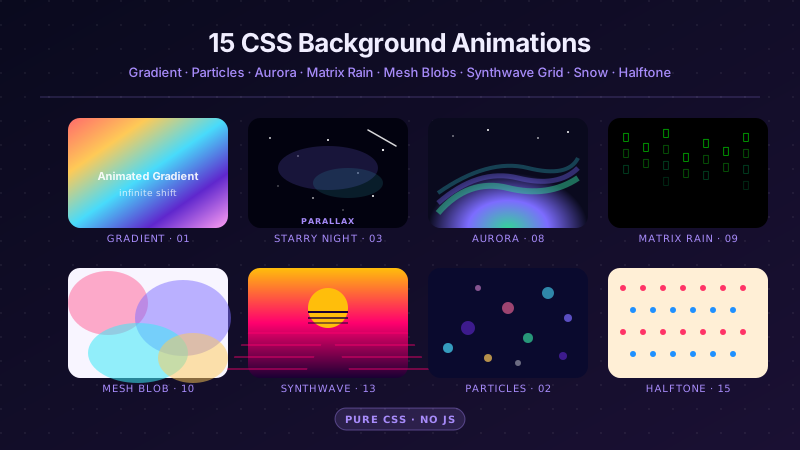
25 hand-coded CSS background animations for SaaS hero sections, developer tool documentation, agency portfolios, gaming and Web3 landing pages, seasonal e-commerce campaigns, and dark-mode dashboards. Covers full-screen gradient shifts, animated mesh gradients, aurora borealis glow, cursor spotlight follow, interactive water ripples, dot grid and diagonal stripe patterns, SVG grain and noise texture overlays, topographic contour lines, layered SVG waves, plasma and lava lamp fluids, bokeh light blur, particle constellation networks, matrix digital rain, synthwave 3D perspective grids, starfield warp speed, CRT scanline overlays, fog and mist drift, morphing organic blobs, floating glassmorphism orbs, halftone dot patterns, starry night skies, floating geometric shapes, rising bubbles, and falling snow. 20 are pure CSS with zero JavaScript; the 5 that need it use vanilla canvas or pointer tracking with no dependencies. Every background animates compositor-only properties so it never blocks the main thread, is scoped under a .bga-NN prefix for no-collision pasting, guards prefers-reduced-motion, and ports unchanged to React, Vue, Svelte, Astro, Next.js and Tailwind.
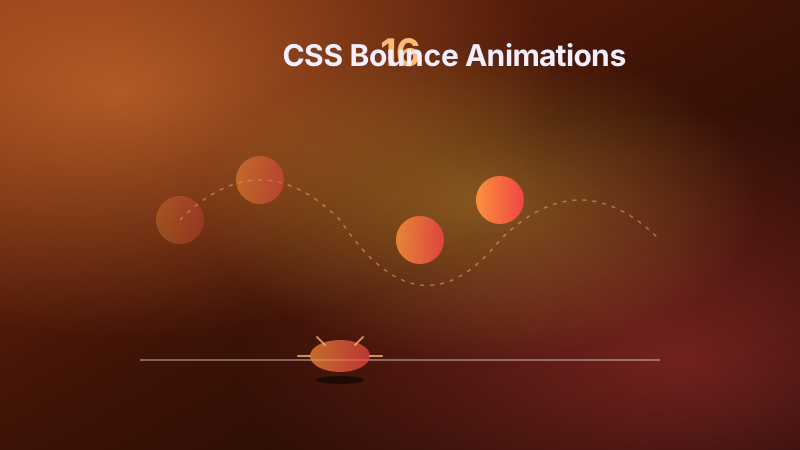
16 hand-coded CSS bounce animation templates built as real-world use cases — landing-page scroll-down arrow, animate.css-style bounce-in entrance modal, Stripe payment success checkmark, Sonner/Radix toast notification, chat typing dots (wave), button hover bounce, SaaS pricing card hover lift, Shopify Add-to-Cart cart-icon shake, notification badge pop, dark-mode toggle switch elastic snap, physics ball with squash-and-stretch, weightless floating badge, bouncing letters wave, Stripe checkout form error alert shake, DVD screensaver viewport bounce, and Tailwind <code>animate-bounce</code> customization. Every bounce animates <strong>only <code>transform</code> and <code>opacity</code></strong> — never <code>margin-top</code>, <code>top</code>, <code>width</code>, or <code>height</code>, which trigger the layout+paint pipeline every frame and tank INP scores. 12 pure CSS + 4 with vanilla JS (modal open/close, toast auto-cycle, cart bounce class toggle, error state toggle). Every demo respects <code>prefers-reduced-motion</code> with a tier-appropriate fallback — arrivals show settled state, interactions swap for instant color change, playful demos disable entirely. Scoped under <code>.bn-NN</code>, MIT-licensed.