About this generator
Build CSS Grid container layouts visually. 1-8 columns × 1-8 rows, per-axis unit picker (fr / px / % / auto), independent column-gap and row-gap, and all four alignment properties (justify-items, align-items, justify-content, align-content). Live preview with colored grid cells so you can see structure at a glance.
5 framework exports + URL hash permalink. No login, no watermark, no paywall. Free and MIT-licensed.
How to use
CSS Grid syntax
| Property | Description |
|---|---|
grid-template-columns | Defines the width of each column track. Accepts fr, px, %, auto, or repeat(). |
grid-template-rows | Defines the height of each row track. Same value types as columns. |
gap | Shorthand for row-gap and column-gap. Sets space between tracks. |
justify-items | Aligns grid items horizontally within their cell: stretch | start | center | end. |
align-items | Aligns grid items vertically within their cell: stretch | start | center | end. |
justify-content | Aligns the whole column axis within the container when tracks don't fill it. |
align-content | Aligns the whole row axis within the container when tracks don't fill it. |
CSS Grid snippets
display: grid;
grid-template-columns: repeat(3, 1fr);
gap: 16px;
display: grid;
grid-template-columns: 200px 1fr 1fr;
grid-template-rows: auto;
gap: 12px;
display: grid;
grid-template-columns: repeat(4, 1fr);
grid-template-rows: repeat(3, 1fr);
column-gap: 16px;
row-gap: 8px;
justify-items: stretch;
align-items: stretch;
Browser support
CSS Grid has excellent modern browser support. IE 11 has an older, partial implementation with a different syntax — avoid relying on it without a polyfill.
Frequently asked questions
When should I use Grid vs Flexbox?
Grid is TWO-dimensional — items lay out in rows AND columns simultaneously. Flexbox is ONE-dimensional — items lay out in a row OR a column. Use Grid for page-level layouts (header / sidebar / main / footer), photo galleries, dashboards, anything where you need precise row + column control. Use Flexbox for navbars, button groups, card lists that wrap, anything that flows in one direction. They compose well — a Grid layout can have Flexbox children, and vice versa.
What's the fr unit?
fr (fraction) is a unit specific to Grid (and recently to Flexbox via flex-basis: Nfr in some browsers). It represents a FRACTION of available space after fixed sizes are subtracted. grid-template-columns: 1fr 2fr means the first column gets 1/3 of available width, the second gets 2/3. fr is the canonical answer to 'distribute remaining space proportionally'. Combine with px / % for hybrid: 200px 1fr 200px gives a fixed-sidebar layout with a fluid middle.
Why is gap better than margin for spacing?
gap applies between items only — never to the edges of the container. With margins you have to deal with first-child / last-child edge cases (the first item should NOT have a left-margin pushing it away from the container edge). gap eliminates that. Grid shipped gap (then named grid-gap) in 2017; Flexbox added gap support in Safari 14.1+ (Apr 2021) and now all evergreen browsers support it. Use gap whenever items need uniform spacing — it's cleaner, more maintainable, and removes the edge-case math.
What's the difference between justify-items and justify-content?
justify-items aligns each ITEM within its grid cell along the inline axis (default: horizontal). justify-content aligns the ENTIRE GRID within its container when the grid is smaller than the container. Most layouts use justify-items: stretch (default) so items fill their cells, and don't touch justify-content because the grid fills the container. justify-content kicks in when grid-template-columns is fixed-pixel and the container is wider than the sum — then you can center/space-between the grid columns themselves.
What about modern Grid features like subgrid and masonry?
subgrid shipped in all evergreen browsers (Chrome 117+, Safari 16+, Firefox 71+) and lets a grid item adopt its parent's grid lines — invaluable for aligning cards across rows. Masonry layout (grid-template-rows: masonry) is still draft as of mid-2026, shipped in Firefox + Safari behind flags. This generator focuses on the container properties; subgrid and masonry are best set in your own CSS once you have the parent grid structure right.
Is this free for commercial use?
Free, MIT-licensed, zero attribution required, no watermark, no signup. Use on any project — personal, client, enterprise — without permission.
See it used in real designs
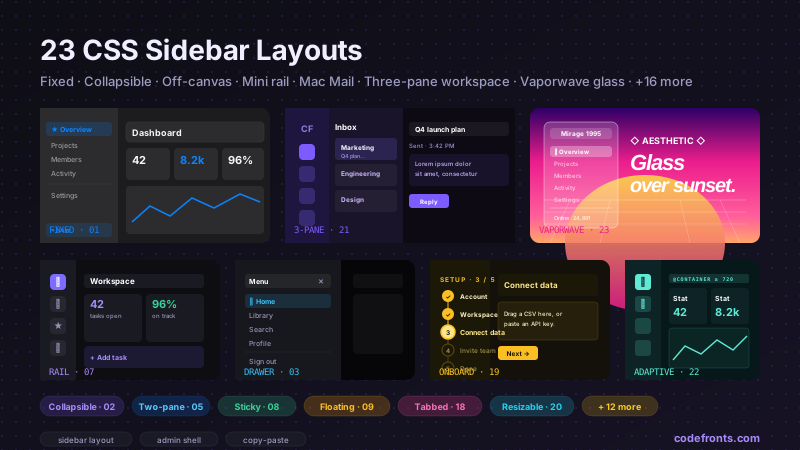
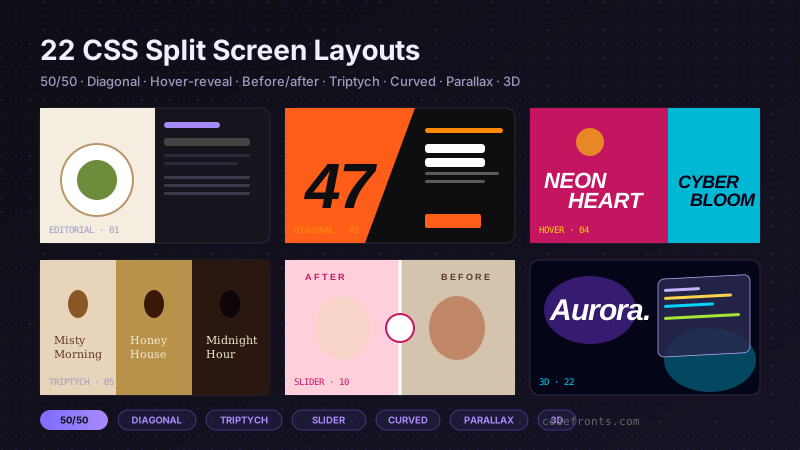
Browse hand-coded collections that put this tool to work.

Related tools
Course pick · Zero to Mastery
AffiliateWant to build responsive CSS Grid layouts from scratch?
- Grid templates & named areas
Affiliate link: we may earn a commission at no extra cost to you.
Build layouts like this from scratch: CSS Grid templates, areas & responsive designCheck ZTM Course →Affiliate link