About this generator
Build CSS Flexbox container layouts visually. Toggle every container property — flex-direction (4 modes), flex-wrap (3 modes), justify-content (6 options), align-items (5 options), align-content (6 options), gap — and see 1-12 child items rearrange live. Identity values (align-content: normal, gap: 0) are auto-omitted from the output.
5 framework exports + URL hash permalink. No login, no watermark, no paywall. Free and MIT-licensed.
How to use
CSS Flexbox syntax
| Property | Description |
|---|---|
flex-direction | Defines the main axis: row (default) | column | row-reverse | column-reverse. |
flex-wrap | Controls whether items wrap to new lines: nowrap | wrap | wrap-reverse. |
justify-content | Aligns items along the main axis: flex-start | center | flex-end | space-between | space-around | space-evenly. |
align-items | Aligns items on the cross axis for a single line: stretch | flex-start | center | flex-end | baseline. |
align-content | Aligns wrapped lines on the cross axis (only applies when flex-wrap is enabled). |
gap | Sets spacing between flex items. Shorthand for row-gap and column-gap. |
Flexbox snippets
display: flex;
display: flex;
justify-content: center;
align-items: center;
display: flex;
flex-direction: row;
flex-wrap: wrap;
justify-content: space-between;
align-items: flex-start;
gap: 16px;
Browser support
flexbox has excellent browser support — safe to use in production without any fallback or prefix (IE 11 has partial support).
Frequently asked questions
What's the difference between justify-content, align-items, and align-content?
justify-content aligns items along the MAIN axis (the direction flex-direction sets — row puts main axis horizontal, column puts it vertical). align-items aligns items along the CROSS axis (perpendicular to main). align-content only applies when items WRAP — it controls the spacing between the wrapped lines. The three are commonly confused: justify-content: center centers items horizontally in a row flex container; align-items: center centers them vertically. For 'center everything in a div', the canonical recipe is display: flex; justify-content: center; align-items: center.
When should I use Flexbox vs Grid?
Flexbox is one-dimensional — it lays out items in a row OR a column. Grid is two-dimensional — items go in a row AND a column simultaneously. Use Flexbox for: navbars, button groups, sticky footer layouts, card lists that wrap, anything where you want items to flow in one direction. Use Grid for: page-level layouts (header / sidebar / main / footer), photo galleries, dashboards, anything where you want precise row + column control. They compose well — a Grid layout can have Flexbox children, and vice versa.
Why isn't gap working in older Safari?
gap on flex containers shipped in Safari 14.1+ (April 2021). Before that, Safari only supported gap on grid containers — flex containers needed margin-based spacing. As of 2026, every evergreen browser supports flex gap; only legacy Safari 14 and older lack it (<2% of traffic). The exported CSS uses gap directly. If you need IE11 support (you don't), use margin-based spacing instead.
What's flex: 1 actually doing?
flex: 1 is shorthand for flex: 1 1 0% — meaning flex-grow: 1, flex-shrink: 1, flex-basis: 0%. The 0% basis is what makes flex: 1 distribute SPACE EQUALLY among items rather than respecting their content widths. flex: 1 1 auto (or just flex: auto) respects content widths and only distributes EXTRA space. The difference: with flex: 1, a 'Hi' button and a 'Click me here' button get equal widths; with flex: auto they get widths proportional to their text. The generator focuses on container properties; item-level flex shorthand is best set in your own CSS per-item.
Why does my flex-direction: column layout collapse to 0 height?
Flex items in a column direction have width: 100% by default (cross-axis = horizontal), but the container's height depends on the items' content height (main-axis = vertical). If items have no intrinsic height, the column collapses. Fixes: (1) set min-height on the container, (2) set height on items, (3) use flex: 1 on items if they should fill available container height. This is the #1 confusion with flexbox columns — main vs cross axis swap when you change direction.
Is this free for commercial use?
Free, MIT-licensed, zero attribution required, no watermark, no signup. Use on any project — personal, client, enterprise — without permission.
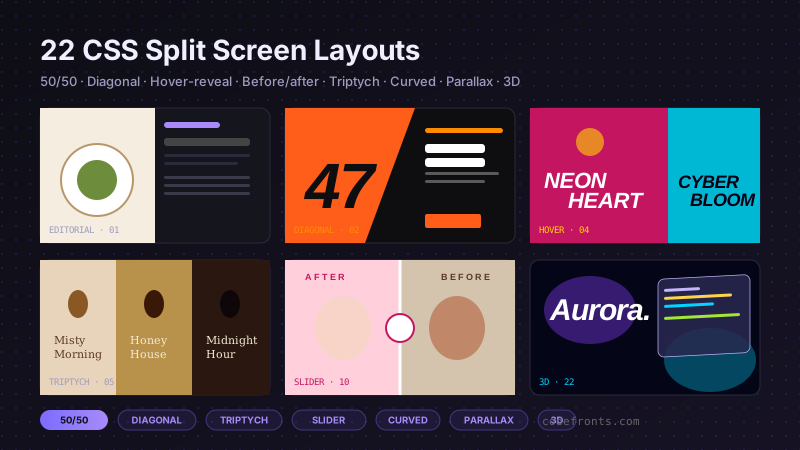
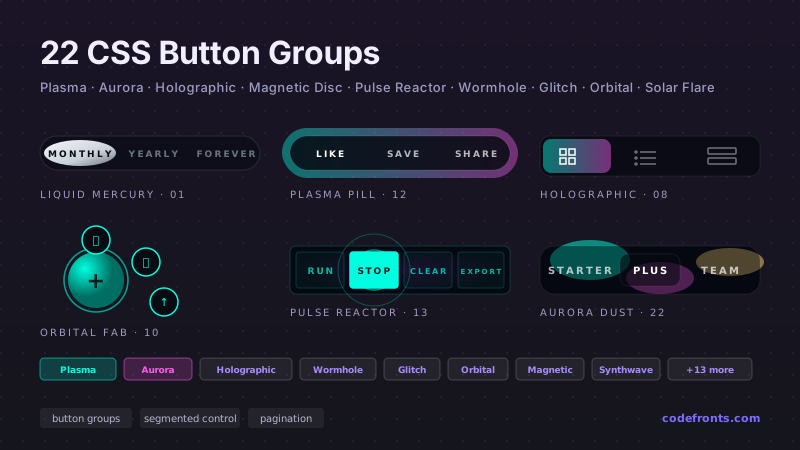
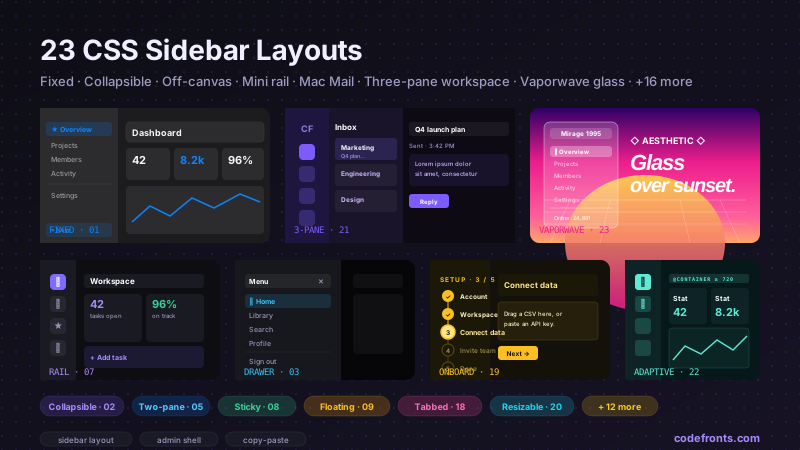
See it used in real designs
Browse hand-coded collections that put this tool to work.
Related tools
Course pick · Zero to Mastery
AffiliateWant to build responsive Flexbox layouts from scratch?
- Containers, items, alignment & spacing
Affiliate link: we may earn a commission at no extra cost to you.
Build layouts like this from scratch: Flexbox alignment, wrapping & responsive designCheck ZTM Course →Affiliate link