5 Tailwind CSS Ways to Center Div

4 Pure Tailwind1 Tailwind + JSPublished

5 Tailwind CSS ways to center a div for modal and dialog overlays, hero and empty-state panels, centered form cards, and width-capped article containers — spanning flex items-center justify-center, grid place-items-center, absolute inset-0 with -translate, mx-auto horizontal centering, and a side-by-side board comparing every method. Scoped under .tcd-NN for no-collision pasting, prefers-reduced-motion guarded, framework-agnostic.

Related5 CSS Ways to Center a Div30 Tailwind CSS Grid Layouts15 Tailwind Card Grid Layouts

Premium upgradePartner: Untitled UI

Affiliate link

Building a whole Tailwind app, not just this component?

You just browsed 5 Tailwind center div. Untitled UI Pro unlocks 5,000+ components and sections and 250+ page examples for React, styled with Tailwind CSS v4. One licence is a one-time $349 with lifetime updates; teams start at $999.

Get Untitled UI Pro

Untitled UI React. We may earn a commission, at no extra cost to you.

01. Tailwind Flexbox Center a Div Horizontally and Vertically (opens in a new tab)

Published

Pure Tailwind
The #1 Tailwind centering search, answered three ways and then made playable: flex items-center justify-center on both axes, a centered row of cards with gap-4, and a flex-col stack. The first stage is a live justify/align picker built from real radio inputs and group-has-[#id:checked]: — the class readout rewrites itself as you click.

02. Tailwind CSS Grid Center a Div with place-items-center (opens in a new tab)

Published

Pure Tailwind
The shortest centering in Tailwind is two classes: grid place-items-center. This demo pairs it with grid + m-auto on the child, then turns the classic 3×3 template (grid-cols-[1fr_auto_1fr]) into a clickable board: every cell is a radio, and the card jumps to whichever you pick via group-has-[.tcd02-col3:checked]:col-start-3. Zero JS.

04. Tailwind mx-auto Center a Div with max-w Container (opens in a new tab)

Published

Pure Tailwind
Horizontal centering, told honestly. mx-auto w-fit centers on the inline axis only; flip the stage to RTL and watch mx-auto hold, logical ms-auto follow the direction and physical ml-auto stay stuck. Then m-auto inside a flex parent for both axes, and the page-level max-w-* mx-auto content column with a live width picker. Zero JS.

05. How to Center a Div in Tailwind CSS — All 6 Methods Compared (opens in a new tab)

Published

Tailwind + JS
Every Tailwind centering technique on one board: flex, grid place-items-center, absolute + translate, inset-0 m-auto, table-cell align-middle and a real writing-mode trick. A Grow content switch swells every box at once to prove each method survives unknown sizes, and each tile has a one-click Copy HTML button. Tiles reflow with grid-cols-[repeat(auto-fit,minmax(17rem,1fr))] — no breakpoints.
FAQ

Frequently asked questions

How do I center a div both horizontally and vertically in Tailwind with flexbox?
The flexbox method needs two utilities on the parent, not on the child: flex items-center justify-center. flex turns the container into a flex context, justify-center centers children on the main (horizontal) axis, and items-center centers them on the cross (vertical) axis. The child <div> needs no classes of its own. The catch is that items-center only has room to work when the parent is taller than its content — give the parent a height like h-screen or min-h-96, otherwise it collapses to the child's height and vertical centering looks like it does nothing at all. Demo 01 lets you toggle each axis on and off independently, so you can see exactly which class owns the horizontal direction and which owns the vertical one.
What is the shortest way to center a div in Tailwind?
grid place-items-center is the shortest full centering in Tailwind — two classes on the parent handle both axes at once. place-items-center is the shorthand for align-items: center plus justify-items: center, so unlike flexbox you never write separate utilities for the horizontal and vertical directions. It behaves the same way flexbox does about height: the parent must have room on the block axis (h-screen, min-h-dvh, or a fixed height) or there is nothing to center within. One difference worth knowing — grid centers the item inside its grid area, so a single-child layout centers cleanly, but if you later add siblings they stack in one implicit cell unless you define columns. Demo 02 shows it working against a fixed-height card so you can see the two-class result directly.
How do I center an absolutely positioned div in Tailwind?
Demo 03 shows three ways. The classic is absolute top-1/2 left-1/2 -translate-x-1/2 -translate-y-1/2: top-1/2 left-1/2 places the element's top-left corner at the parent's center, then the negative translate pulls it back by half its own width and height so its center lands on that point. The translate step is mandatory — without it the corner sits at center and the box spills down and to the right. A cleaner alternative is absolute inset-0 m-auto with a fixed w- and h- on the child: inset-0 stretches all four offsets to 0 and m-auto splits the leftover space evenly. Either way the parent needs relative, or the child centers against the nearest positioned ancestor — often the viewport, which is rarely what you want.
Why does mx-auto not center my div vertically?
mx-auto centers on the inline (horizontal) axis only — it sets left and right margin to auto, which splits the free horizontal space. It does nothing vertically because my-auto has no effect on a normal block element in flow; vertical auto-margins only resolve inside a flex or grid parent. So a plain <div> with only mx-auto hugs the top of its container no matter what you do. mx-auto also needs the element to be narrower than its parent — a block is full-width by default, so pair it with w-fit, a max-w- value, or an explicit width, or the auto margins compute to 0 and nothing moves. Demo 04 uses mx-auto w-fit and shows exactly why you reach for flex or grid the moment the vertical axis matters too.
Should I use grid place-items-center or flex items-center justify-center?
Both center on both axes, so the choice is really about what else the layout does. Reach for flex items-center justify-center when children sit along one axis and you want per-axis control — you can center vertically but left-align horizontally with justify-start, or space several children with gap- and justify-between. Reach for grid place-items-center when you want the shortest possible centering of a single item, or when the surrounding layout is already a grid. Flexbox is also safer when the centered content might overflow: a flex item can shrink, whereas an over-tall grid item centered in its area can push out of view. Demo 05 lines every method up side by side so you can compare class count and behaviour at a glance instead of guessing.
Do these centering methods cause any accessibility or reading-order problems?
None of these methods change the reading order a screen reader or keyboard follows — flex, grid and auto-margins are purely visual and leave the DOM sequence intact, so focus order matches source order. The ones to watch are the order- utility and flex-row-reverse: they move items visually but not in the accessibility tree, so a reversed row still reads in source order and can confuse keyboard users. Absolute centering (Demo 03) is also visual-only, but because the element leaves normal flow it no longer reserves space, so make sure it isn't silently covering interactive content underneath. Centering itself needs no ARIA; keep the heading and landmark structure you would use in any layout, and don't swap a meaningful element for a bare <div> just so it is easy to center.
My flex centered div won't move vertically — what is wrong?
The number one reason a flex or grid centered div won't move vertically is that the parent has no spare height. items-center and place-items-center distribute free space on the block axis, and if the parent is only as tall as its content there is no free space to distribute — it looks like the class is being ignored. Give the parent an explicit height: h-screen, min-h-dvh, a fixed h-96, or a min-h- matched to the layout. A second cause is centering the wrong element — the utilities belong on the parent container, not on the child you want centered. Put flex items-center on the child itself and you are centering its contents, not the child within its parent. Demo 01 makes this visible by letting you add and remove the parent height live.
When should I not center a div with absolute positioning?
Avoid the absolute-position method (Demo 03) as your everyday default. Because absolute removes the element from normal flow, the parent collapses as if the child weren't there, so surrounding content can overlap it and you lose automatic height — you end up hard-coding w- and h- values that break the moment the content grows. It is the right tool only for genuine overlays: a modal centered over a backdrop, a badge pinned to a card corner, a spinner over a loading panel. For ordinary layout where the centered box should push the page taller and sit among other content, use flex items-center justify-center or grid place-items-center instead — they keep the element in flow, size to its content, and reflow responsively with no magic numbers to maintain.

Related collections

15 CSS Aspect Ratio Demos preview

15 CSS Aspect Ratio Demos

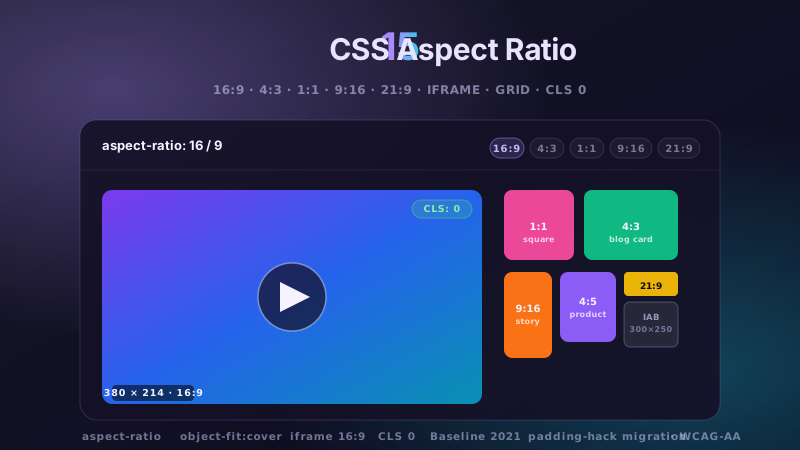
15 hand-coded CSS aspect-ratio demos for video embeds, product galleries, IAB ad slots, native dialogs, and CLS-safe placeholders: 16:9 iframe YouTube embed with click-to-load facade + up-next rail, 21:9 full-screen hero video with min-height/max-height:100svh guardrails + Ken Burns drift, 1:1 Instagram-style square grid with 2×2 feature tile, 4:3 magazine card image cover, 9:16 vertical stories rail (TikTok/Reels/Shorts pattern) with scroll-snap + segment bars, 4:5 apparel product image gallery with radio-driven state + 1:1 thumbnails, 1:1 zoom thumbnail carousel with pointer-tracked --zx/--zy magnifier, prevent-layout-shift placeholder with live PerformanceObserver CLS meter (before/after side-by-side lab), dynamic content fallback with three policies (bend/strict/auto) via :has() toggle, IAB ad banner slots (728×90 leaderboard, 300×250 medium rectangle, 300×600 half-page, 320×50 mobile) with skeletons + container-query mobile swap, responsive modal dialog sized min(92vw, 88svh×16/9, 1080px) with @starting-style animation, responsive OpenStreetMap iframe wrapper with 16:9 → 1:1 container-query narrow swap, media query orientation live HUD + resize:both container-ratio playground, object-fit logo cloud with contain/cover/fill switcher via :has(), and side-by-side padding-top hack (height:0 + padding-top:56.25%) → modern aspect-ratio migration comparison with live ratio picker. 11 truly Pure CSS + 4 with a tiny optional vanilla JS snippet (facade swap, pointer magnifier, CLS meter, native dialog). Every demo is scoped under a unique .car-NN prefix so it drops into any project without CSS collisions, ships prefers-reduced-motion guards, and is framework-agnostic (works as-is in React, Vue, Svelte, Astro, Next.js, Remix, or plain HTML).

6 CSS Bento Grid Layouts preview

6 CSS Bento Grid Layouts

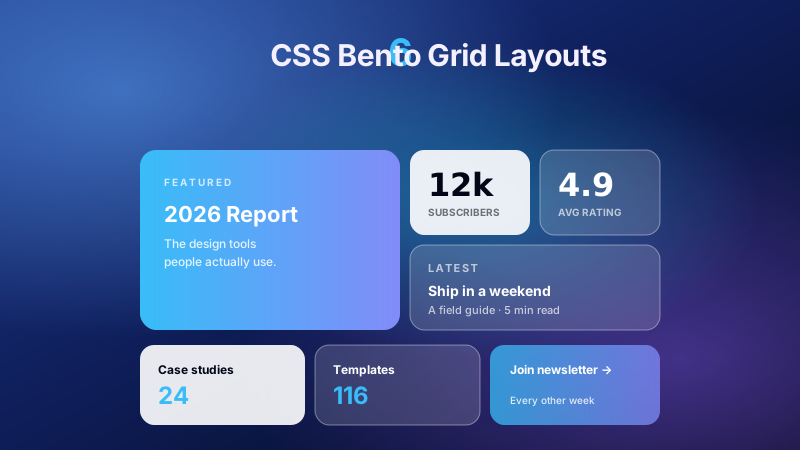
6 production CSS bento grid layouts with 12 hand-coded designs — Apple-style product showcase, SaaS feature value-prop matrix, analytics dashboard overview, creative portfolio, e-commerce category hub, and link-in-bio social hub. Each topic ships 2 sub-variants side-by-side so visitors see both a keynote aesthetic and a paper-doc variant at once. Container queries, CSS Grid, zero dependencies, copy-paste ready.

20 CSS Blog Layouts preview

20 CSS Blog Layouts

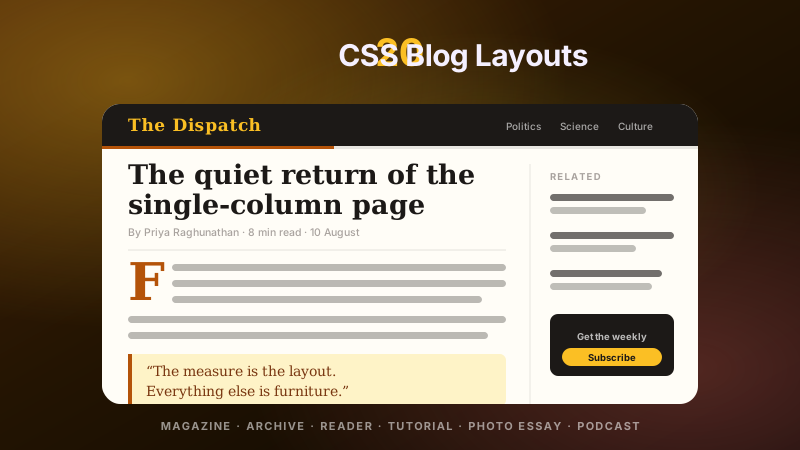
20 hand-coded CSS blog and editorial layouts for magazine homepages, news sites, personal archives, newsletter back-issues, recipe and podcast blogs, developer tutorials, and long-form journalism. Covers a magazine homepage with hero plus editor-picks rail, a news homepage with breaking-news ticker, blog archives with sticky year separators, Substack-style issue-numbered archives, recipe card grids with prep-time badges, podcast episode lists with waveforms, long-form articles with scroll-driven reading progress, drop caps and floated pull quotes via first-letter, Medium-style 65ch centred reader layouts, dev tutorials with a sticky code panel beside prose, interview transcripts with alternating speakers, case-study pages with stat counters, video blogs with an episode rail, full-bleed photo essays, news articles with sticky related-stories sidebars, documentation pages with prev/next chapter nav, a standalone blog post card, a scroll-snap category filter bar, an inline newsletter callout that breaks out of the prose column, and a horizontal featured-post rail. 12 are pure CSS with zero JavaScript. Every layout is scoped under a .bl-NN prefix for no-collision pasting, guards prefers-reduced-motion, and ports unchanged to React, Vue, Svelte, Astro, Next.js and Tailwind.

Search CodeFronts

Loading…