14 Tailwind CSS Wave Section Dividers

12 Pure Tailwind2 Tailwind + JSPublished

14 Tailwind CSS wave section dividers for SaaS and agency heroes, dark-footer hand-offs, and sidebar seams — inline <svg> paths, clip-path cuts, mask-cut gradients, stacked layers, seamless animation, and a rotated vertical divider. Scoped under .twd-NN for no-collision pasting, prefers-reduced-motion guarded, framework-agnostic.

Related30 CSS Sidebar Layouts22 CSS Split Screen Layouts20 CSS Diagonal Sections15 CSS Aspect Ratio Demos30 Tailwind CSS Sidebar Layouts

Premium template pickPartner: Cruip

Affiliate link

Building the whole landing page, not just this section?

You just browsed 14 Tailwind wave section dividers. Cruip makes complete Tailwind CSS templates for landing pages, SaaS websites and admin dashboards, coded in HTML, React, Next.js and Vue and used by 60K+ developers. Single templates start at $49.

Browse Cruip templates

Cruip. We may earn a commission, at no extra cost to you.

Newsletter

Enjoying these demos? Get new ones by email.

A short email when a new collection ships. Unsubscribe any time.

at

Almost there: check your inbox to confirm.Manage

07. Tailwind Inverted Curve SVG Wave Divider (opens in a new tab)

Published

Pure Tailwind
Concave dips that pull the eye downward into a CTA. The edge scoops inward instead of bulging out, which visually funnels attention to the pinch point — the reason conversion-focused pages use it around signup banners. The lens variant curves both edges and floats the band off the grid.

10. Tailwind Asymmetrical Organic SVG Section Wave (opens in a new tab)

Published

Pure Tailwind
Non-repeating, hand-drawn-feeling curves for editorial and brand-showcase pages. Symmetry reads as template; asymmetry reads as art direction — these paths deliberately break the mirror, and the blob variant overflows its box on both sides so the curve reads as a fragment of something larger.

11. Tailwind Dark Mode Wave Divider Colour Match (opens in a new tab)

Published

Tailwind + JS
Three ways to make a wave follow the theme automatically: a working toggle keyed off data-theme, a zero-JS prefers-color-scheme version, and the modern light-dark() one-liner. The rule that fixes every dark-mode wave bug is the same in all three — never put a colour on the path.
FAQ

Frequently asked questions

How do I put an SVG wave at the bottom of a section so it lines up with no gap?
Put the wave in a wrapper pinned to the section boundary and let it hang off the edge. In Demo 01 the wave sits in an absolutely positioned container — absolute bottom-0 left-0 w-full — while the section itself is relative overflow-hidden. The SVG gets block w-full h-auto so it spans the full width and keeps its aspect ratio. The single most common alignment mistake is leaving the SVG as an inline element: inline elements sit on the text baseline and leave a few pixels of gap underneath, which is exactly why block matters here. One more rule that trips people up: match the SVG's fill to the next section's background, not the current one, so the wave reads as the following section bleeding upward into this one rather than a shape floating on top.
Why is there a white gap under my wave divider on mobile, and how do I fix it?
The gap comes from the SVG being shorter than expected once it scales. An SVG with a fixed viewBox preserves its aspect ratio, so on a wide-but-short phone screen the wave's rendered height shrinks and a sliver of the page background shows through at the seam. Demo 08 puts the broken and fixed versions side by side so you can see it. The fix has three parts: add preserveAspectRatio="none" so the wave stretches to fill its box instead of letter-boxing, set an explicit height with w-full rather than relying on h-auto, and nudge it down one pixel with -mb-px or a translate-y to cover the sub-pixel rounding line browsers leave between the SVG and the next block. Stretching distorts the curve a little, which is fine for a decorative divider but wrong if the shape is meant to be geometrically exact.
Should I use clip-path or an SVG for a wave divider?
Both work; pick by constraint. Demo 06 does it with pure CSS — clip-path: path(...) or a polygon() — so there's zero extra markup and nothing to load, which suits engineers who don't want inline SVG in their components. The trade-offs: clip-path curves are painful to author by hand (you're editing bezier coordinates inside a string), you can't fill the cut region with its own gradient or stroke, and a clipped element hides overflow, so shadows and outlines get chopped at the wave edge. Inline SVG (Demo 01) is more verbose but lets you layer multiple tinted paths, animate a single path's d, and keep a drop shadow on the curve. Rule of thumb: reach for clip-path when the wave is a plain single-colour cut, and reach for SVG the moment you need layering, a gradient fill, or a stroke on the edge.
How do I animate a wave divider so it flows continuously without a visible jump?
Continuous motion comes from translating a doubled tile, not from redrawing the path. Demo 02 renders two identical seamless wave tiles side by side in a track twice the width, then animates the track with translateX from 0 to -50% on an infinite linear loop; because tile two is a pixel-perfect copy of tile one, the wrap-around is invisible. The wave has to be built to tile — its left and right edges must meet at the same y-value or you get a jump every cycle. Demo 12 goes further and samples a true y = A·sin(x) curve so the repeat is mathematically seamless rather than eyeballed with bezier handles. Keep the animation on transform only, never on left or background-position, so it stays on the compositor, and wrap it in motion-reduce:animate-none so it holds still for anyone who has asked to reduce motion.
Do wave dividers need alt text or ARIA for screen readers?
A wave divider is pure decoration, so it should be invisible to assistive tech, not described. For an inline SVG give it aria-hidden="true" and focusable="false" so it isn't announced and can't be tabbed to in older browsers; drop any role and title, because there's nothing meaningful to read out — announcing “wave” is just noise in the reading order. When the wave is a background mask or a clip-path cut (Demos 06 and 09) there's no element to hide, so nothing extra is needed. The real accessibility work is contrast: where a wave carries text or sits over a photo (Demo 13), the content on top must clear WCAG contrast against whatever colour shows through the curve. And the divider must never be the only cue separating two sections — heading text and spacing carry that job for anyone who never sees the shape.
How do I make the wave match my dark mode background when the theme toggles?
The wave's colour has to follow the theme, and the catch is that the fill should match the adjacent section, not this one. Demo 11 shows three approaches. The robust one keys the fill off a CSS variable that flips with data-theme on the root, so fill: var(--next-bg) updates automatically the moment the toggle changes the attribute — no duplicated markup. The second uses Tailwind's dark: variant, e.g. fill-slate-50 dark:fill-slate-900, which is fine when your dark mode is class-based. The third puts currentColor on the path and sets a text- colour on the wrapper so the wave inherits like an icon. Whichever you pick, the failure mode is identical: forget to update the fill and the wave stays its light-mode colour, leaving a bright band slicing across a dark page. Test the toggle both directions, not just light to dark.
When should I not use a wave section divider?
Skip the wave when the boundary needs to read as precise rather than soft. A pricing table, a data grid, a legal or checkout step — anything where users compare rows or scan numbers — wants a crisp horizontal rule, because an organic curve makes two sections feel like one continuous flow and blurs where one block ends and the next begins. Waves also cost height: a tall divider eats 80–160px of vertical space that pushes real content down, which hurts on a mobile hero where the fold is precious. And every wave is one more shape to keep colour-synced across themes and backgrounds — if a page changes section six times, six waves is visual noise, not rhythm. Use them where the tone is marketing, brand or editorial (Demos 02, 03, 10) and the sections genuinely flow into each other; use a plain edge everywhere the content is transactional.
How do I stack multiple waves for a layered depth effect?
Depth comes from stacking two or three copies of the same wave, each offset and tinted, so the eye reads overlapping curves instead of a single line. In Demo 04 the paths live in one SVG, drawn back-to-front: the palest, most-offset wave first, then progressively darker layers nudged a few pixels down and sideways with a small translate on each path. Keep them in one SVG rather than three separate absolutely positioned ones — a single viewBox guarantees every layer scales together, whereas separate elements drift apart at different viewport widths and the illusion breaks. Tint by lightening or darkening the base section colour by roughly 6–10% per layer, not by introducing new hues, or the stack looks like unrelated stripes rather than one surface folding over itself. Two layers reads as subtle depth; four or more just muddies the edge.

Related collections

15 CSS Aspect Ratio Demos preview

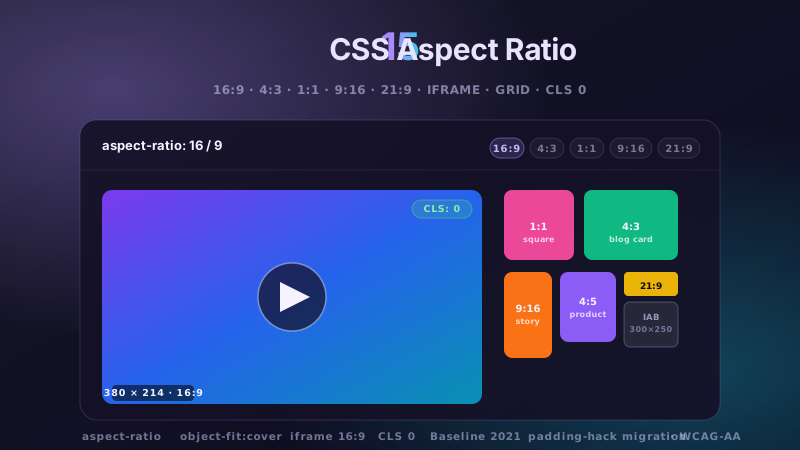
15 CSS Aspect Ratio Demos

15 hand-coded CSS aspect-ratio demos for video embeds, product galleries, IAB ad slots, native dialogs, and CLS-safe placeholders: 16:9 iframe YouTube embed with click-to-load facade + up-next rail, 21:9 full-screen hero video with min-height/max-height:100svh guardrails + Ken Burns drift, 1:1 Instagram-style square grid with 2×2 feature tile, 4:3 magazine card image cover, 9:16 vertical stories rail (TikTok/Reels/Shorts pattern) with scroll-snap + segment bars, 4:5 apparel product image gallery with radio-driven state + 1:1 thumbnails, 1:1 zoom thumbnail carousel with pointer-tracked --zx/--zy magnifier, prevent-layout-shift placeholder with live PerformanceObserver CLS meter (before/after side-by-side lab), dynamic content fallback with three policies (bend/strict/auto) via :has() toggle, IAB ad banner slots (728×90 leaderboard, 300×250 medium rectangle, 300×600 half-page, 320×50 mobile) with skeletons + container-query mobile swap, responsive modal dialog sized min(92vw, 88svh×16/9, 1080px) with @starting-style animation, responsive OpenStreetMap iframe wrapper with 16:9 → 1:1 container-query narrow swap, media query orientation live HUD + resize:both container-ratio playground, object-fit logo cloud with contain/cover/fill switcher via :has(), and side-by-side padding-top hack (height:0 + padding-top:56.25%) → modern aspect-ratio migration comparison with live ratio picker. 11 truly Pure CSS + 4 with a tiny optional vanilla JS snippet (facade swap, pointer magnifier, CLS meter, native dialog). Every demo is scoped under a unique .car-NN prefix so it drops into any project without CSS collisions, ships prefers-reduced-motion guards, and is framework-agnostic (works as-is in React, Vue, Svelte, Astro, Next.js, Remix, or plain HTML).

6 CSS Bento Grid Layouts preview

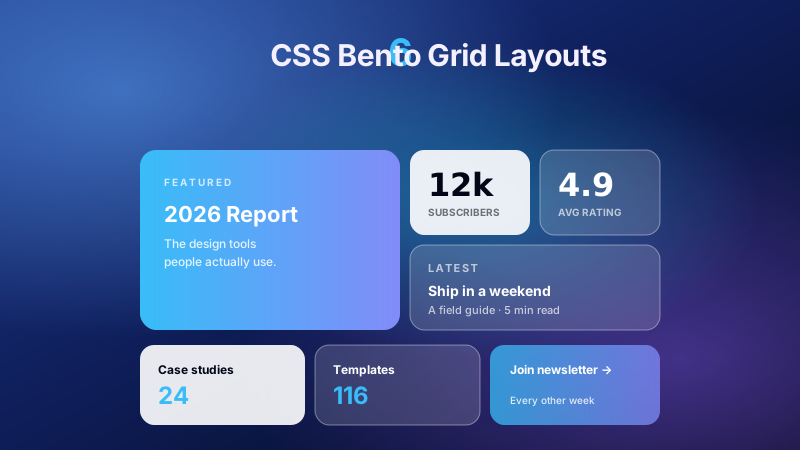
6 CSS Bento Grid Layouts

6 production CSS bento grid layouts with 12 hand-coded designs — Apple-style product showcase, SaaS feature value-prop matrix, analytics dashboard overview, creative portfolio, e-commerce category hub, and link-in-bio social hub. Each topic ships 2 sub-variants side-by-side so visitors see both a keynote aesthetic and a paper-doc variant at once. Container queries, CSS Grid, zero dependencies, copy-paste ready.

20 CSS Blog Layouts preview

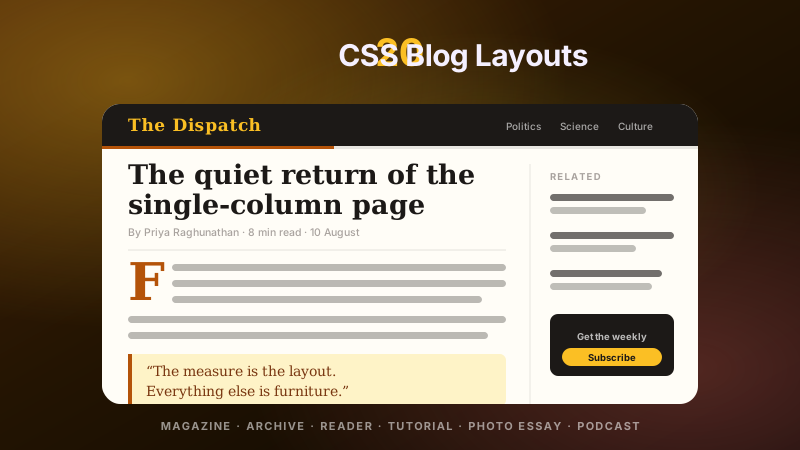
20 CSS Blog Layouts

20 hand-coded CSS blog and editorial layouts for magazine homepages, news sites, personal archives, newsletter back-issues, recipe and podcast blogs, developer tutorials, and long-form journalism. Covers a magazine homepage with hero plus editor-picks rail, a news homepage with breaking-news ticker, blog archives with sticky year separators, Substack-style issue-numbered archives, recipe card grids with prep-time badges, podcast episode lists with waveforms, long-form articles with scroll-driven reading progress, drop caps and floated pull quotes via first-letter, Medium-style 65ch centred reader layouts, dev tutorials with a sticky code panel beside prose, interview transcripts with alternating speakers, case-study pages with stat counters, video blogs with an episode rail, full-bleed photo essays, news articles with sticky related-stories sidebars, documentation pages with prev/next chapter nav, a standalone blog post card, a scroll-snap category filter bar, an inline newsletter callout that breaks out of the prose column, and a horizontal featured-post rail. 12 are pure CSS with zero JavaScript. Every layout is scoped under a .bl-NN prefix for no-collision pasting, guards prefers-reduced-motion, and ports unchanged to React, Vue, Svelte, Astro, Next.js and Tailwind.

Search CodeFronts

Loading…