About this tool
Convert pixels to vw, vh, vmin, vmax — and back — at any viewport size, with device presets and a fluid-typography reference table.
Why use viewport units?
Truly fluid layouts
Viewport units scale with the screen — no media queries needed for proportional spacing or typography. A single rule like `font-size: 5vw` adapts smoothly from phone to ultrawide.
Hero sections that fill the screen
min-height: 100vh on a hero, height: 100dvh for mobile-safe full-bleed layouts, and 100svh for the visible-area variant — all built around the viewport, not arbitrary pixel guesses.
Fluid typography
Pair viewport units with clamp() to build type that grows and shrinks without ugly breakpoint jumps: clamp(1rem, 2.5vw, 2rem) — fluid between two safe limits.
Less CSS, more flexibility
Replace dozens of lines of @media rules with a couple of viewport-unit declarations. Designs that previously needed five breakpoints often need none.
How to use this calculator
01
Pick a direction
Convert pixels to viewport units (great for replacing fixed sizes with fluid ones), or convert viewport units back to pixels (handy when QA reports a "10vw is too big" problem on a specific device).
02
Set the viewport size
Type a custom width × height, or pick a preset (iPhone, iPad, laptop, desktop). vmin and vmax update automatically based on the smaller / larger side.
03
Read the result
PX → VU shows all four units (vw, vh, vmin, vmax) at once. VU → PX shows the resolved pixel value plus the formula. Click any unit card to copy.
04
Use the lookup table
The bottom panel lists common px values converted in real time. Click a row to load it as the active value, then copy the unit you need.
Viewport unit reference
| Unit | What it means | 1440 × 900 | 390 × 844 |
|---|---|---|---|
1vw | 1% of viewport width | 14.4 px | 3.9 px |
1vh | 1% of viewport height | 9 px | 8.44 px |
1vmin | 1% of smaller viewport side | 9 px | 3.9 px |
1vmax | 1% of larger viewport side | 14.4 px | 8.44 px |
1svh | 1% of small viewport height (mobile, URL bar visible) | 9 px | ~7.5 px |
1lvh | 1% of large viewport height (mobile, URL bar hidden) | 9 px | ~8.44 px |
1dvh | 1% of dynamic viewport height (current state) | 9 px | ~7.5–8.4 px |
Viewport patterns
Fluid type
/* Fluid heading without media queries */
h1 {
  font-size: clamp(1.75rem, 4vw + 1rem, 4rem);
  line-height: 1.1;
}
Full hero
/* Mobile-safe full-screen hero */
.hero {
  min-height: 100dvh;        /* dynamic viewport — mobile-friendly */
  display: grid;
  place-items: center;
  padding: clamp(1rem, 5vw, 4rem);
}
Aspect
/* Square that scales with the viewport */
.thumb {
  width:  clamp(120px, 20vw, 280px);
  aspect-ratio: 1 / 1;
  border-radius: 1.5vw;
}Pro tips
01
Use dvh, not vh, for mobile heroes
On iOS Safari, 100vh includes the URL bar even when it's visible — content gets cut off. 100dvh tracks the current visible area, fixing the classic "scrolling hero" bug.
02
Combine with clamp() always
Raw viewport units have no floor or ceiling — `font-size: 5vw` becomes 96px on a 1920 monitor. Wrap in clamp(min, fluid, max) so the design stays usable at every size.
03
Avoid vw on body padding
`padding: 5vw` looks fine on phones and laptops but explodes on ultrawides. Use clamp() or pair vw with a max-width container so layouts don't stretch indefinitely.
04
Mind horizontal scroll
Setting width: 100vw can overflow when a vertical scrollbar is present (vw includes the scrollbar width on most desktops). Prefer width: 100% on body and main containers.
See it used in real designs
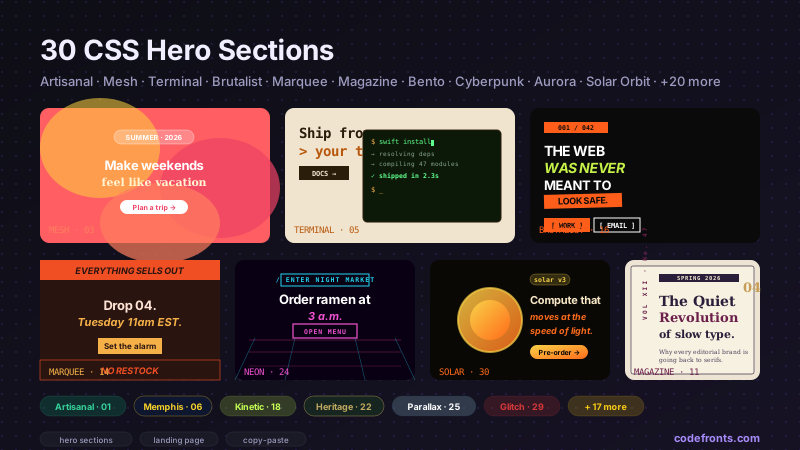
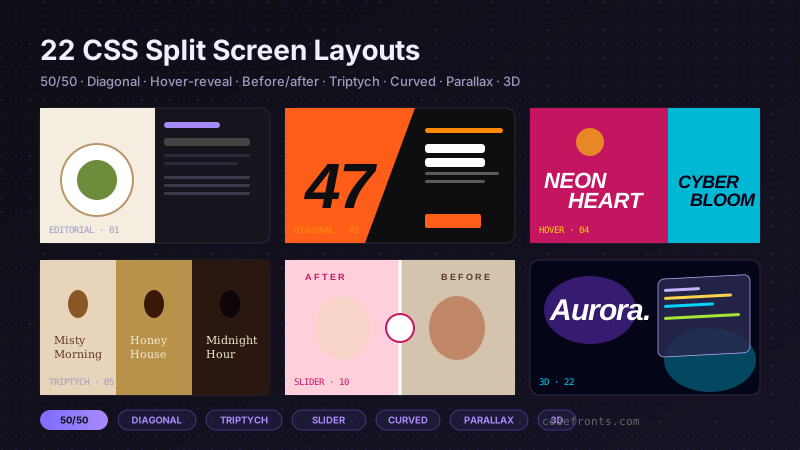
Browse hand-coded collections that put this tool to work.
Course pick · Zero to Mastery
AffiliateWant to build production-ready CSS layouts, animations and UI from scratch?
- Flexbox, Grid & responsive layout
10% off with
Check ZTM CourseAffiliate link: we may earn a commission at no extra cost to you.
Build UI like this from scratch: Flexbox, Grid, animations & responsive CSSCheck ZTM Course →Affiliate link