About this generator
Stack 2D and 3D CSS transforms visually — translate (X/Y/Z), rotate (X/Y/Z), scale (X/Y with lock), skew (X/Y), perspective, and transform-origin. 14 curated presets — liftHover, pop, shrink, tilt, flipX, flipY, card3D, isometric, shake, skewLeft/Right, spin90/180.
Ghost-reference overlay shows the element’s original position as a dashed outline so you can see EXACTLY where it traveled. Identity values (translate 0, rotate 0°, scale 1×, perspective 1000px) are auto-omitted from the output so the CSS stays intent-clear.
5 framework exports + URL hash permalink. No login, no watermark, no paywall. Free and MIT-licensed.
Why use CSS transforms?
How to use this generator
Transform function reference
| Function | Group | Note |
|---|---|---|
translateX(40px) | 2D · move | Slide horizontally — composited |
translate(40px, 8px) | 2D · move | Shorthand for X & Y in one call |
rotate(-8deg) | 2D · rotate | Same as rotateZ() in 2D |
scale(1.05) | 2D · scale | Equal X & Y — for hover pops |
scale(1.05, 0.95) | 2D · scale | Squash — X & Y differ |
skewX(-12deg) | 2D · skew | Slants horizontally — sheared text |
translate3d(0,0,0) | 3D · perf hint | Forces GPU layer — common micro-opt |
rotateY(45deg) | 3D · rotate | Needs perspective() to look 3D |
rotateX(180deg) | 3D · rotate | Vertical flip — card-back reveal |
perspective(800px) | 3D · depth | Sets the 3D vanishing distance |
matrix(a,b,c,d,tx,ty) | Low-level | Combined 2D — rarely written by hand |
Transform patterns
/* Card lift on hover — pure transform, no layout shift */
.card {
  transition: transform 200ms ease;
  will-change: transform;
}
.card:hover {
  transform: translateY(-6px) scale(1.02);
}/* 3D flip card — requires perspective on the parent */
.flip-scene { perspective: 1000px; }
.flip-card {
transform-style: preserve-3d;
transition: transform 0.6s;
}
.flip-card:hover {
transform: rotateY(180deg);
}/* transform-origin controls the pivot point */
.fan-tile-1 {
transform: rotate(-8deg);
transform-origin: bottom left; /* hinges from corner, not centre */
}
.fan-tile-2 {
transform: rotate(8deg);
transform-origin: bottom right;
}Pro tips
Frequently asked questions
Why are translate, rotate, scale combined into one transform property?
CSS uses a single transform property that takes a SPACE-SEPARATED CHAIN of functions: transform: translate(10px) rotate(45deg) scale(1.1). The functions apply in order, left-to-right. This generator emits the chain in a consistent order (perspective → translate → rotate → scale → skew) which produces the most intuitive result for most cases. Modern CSS also has SEPARATE properties (translate, rotate, scale) you can set independently — useful when animating one without disturbing others. The export still uses the shorthand chain for compatibility.
Why does the chain order matter?
Each transform function operates on the result of the previous one. rotate(45deg) translate(100px) rotates first, then translates 100px in the ROTATED coordinate space (the element moves diagonally). translate(100px) rotate(45deg) translates first, then rotates around the new position. For animations, the order locks in the visual feel. The generator's fixed order (perspective → translate → rotate → scale → skew) is the most common 'natural' order — but in your own CSS you're free to reorder. Common reorder reason: putting rotate BEFORE translate to create orbital motion.
Why does perspective only emit when changed?
Identity values — translate(0), rotate(0), scale(1), skew(0), perspective(1000px) — produce no visible change. The generator omits them from the output so the CSS stays short and intent-clear. A 'card3D' preset with only rotateX(12deg), rotateY(-18deg), and perspective(800px) compiles down to those three functions — not a 10-function chain mostly at identity. This makes the output diffable, readable, and faster to debug.
What's transform-origin and when should I use it?
transform-origin defines the pivot point for rotations, scales, and skews. Default is 50% 50% (center). Change to 0% 0% (top-left) and a rotation pivots around the top-left corner; change to 50% 100% (bottom-center) and the element rotates/scales like a pendulum. The 9-position picker in this generator covers the standard 3×3 grid. Custom origins (e.g., 30% 70%) require manual edits — let us know if you'd like fine-grain control added.
Are CSS transforms GPU-accelerated?
Yes — transform, opacity, and filter run on the GPU compositor thread. Animating them is cheap and stays at 60fps even on lower-end devices. This is why transform-based animations FEEL smoother than animating left/top (which trigger layout) or width/height (which trigger layout + paint). The browser promotes any transformed element to its own compositor layer, costing a small amount of GPU memory but unlocking smooth motion.
What about will-change and 3D acceleration tricks?
Most modern browsers already auto-promote transformed elements to GPU layers. will-change: transform is rarely necessary and can HURT perf if applied to too many elements (one compositor layer per element costs GPU memory). The old 'translateZ(0) hack' to force GPU acceleration is obsolete in Chrome 90+, Safari 15+, Firefox 110+. Use will-change only for elements you're ABOUT to animate and remove it afterward. For static transformed elements (a tilted card that doesn't animate), just use transform directly.
Is this free for commercial use?
Free, MIT-licensed, zero attribution required, no watermark, no signup. Use on any project — personal, client, enterprise — without permission.
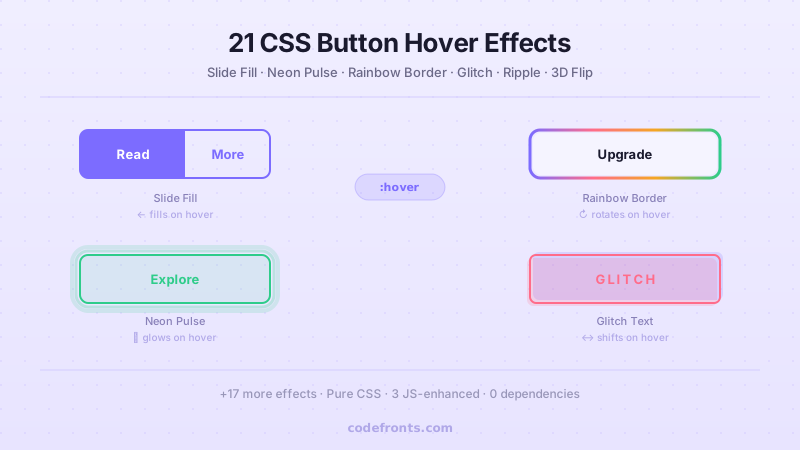
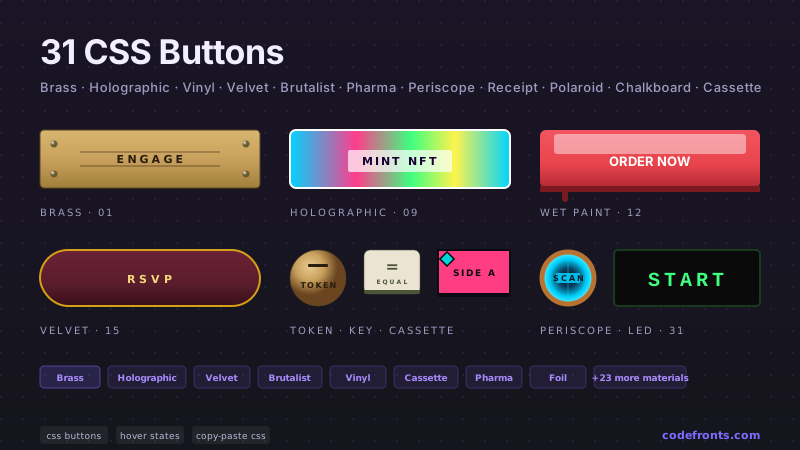
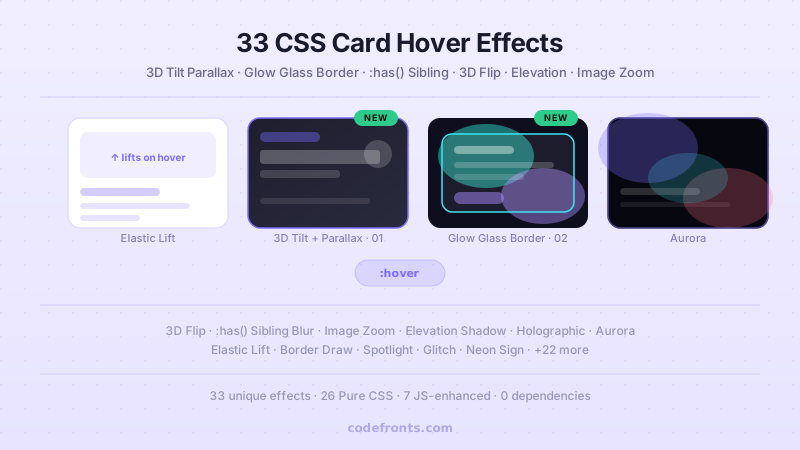
See it used in real designs
Browse hand-coded collections that put this tool to work.
Related tools
Course pick · Zero to Mastery
AffiliateWant to build production-ready CSS layouts, animations and UI from scratch?
- Flexbox, Grid & responsive layout
Affiliate link: we may earn a commission at no extra cost to you.
Build UI like this from scratch: Flexbox, Grid, animations & responsive CSSCheck ZTM Course →Affiliate link